Syncler
Entertainment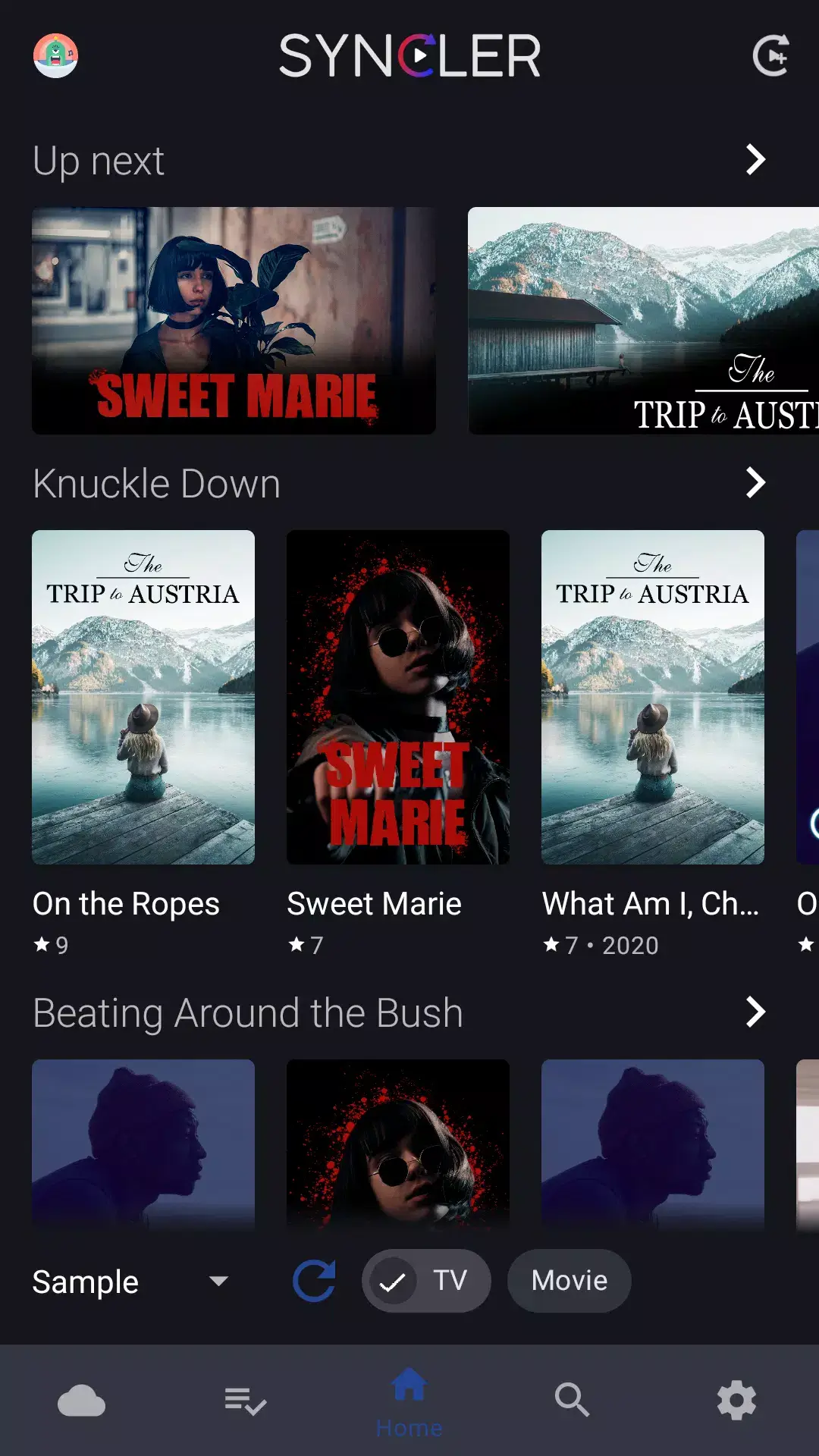
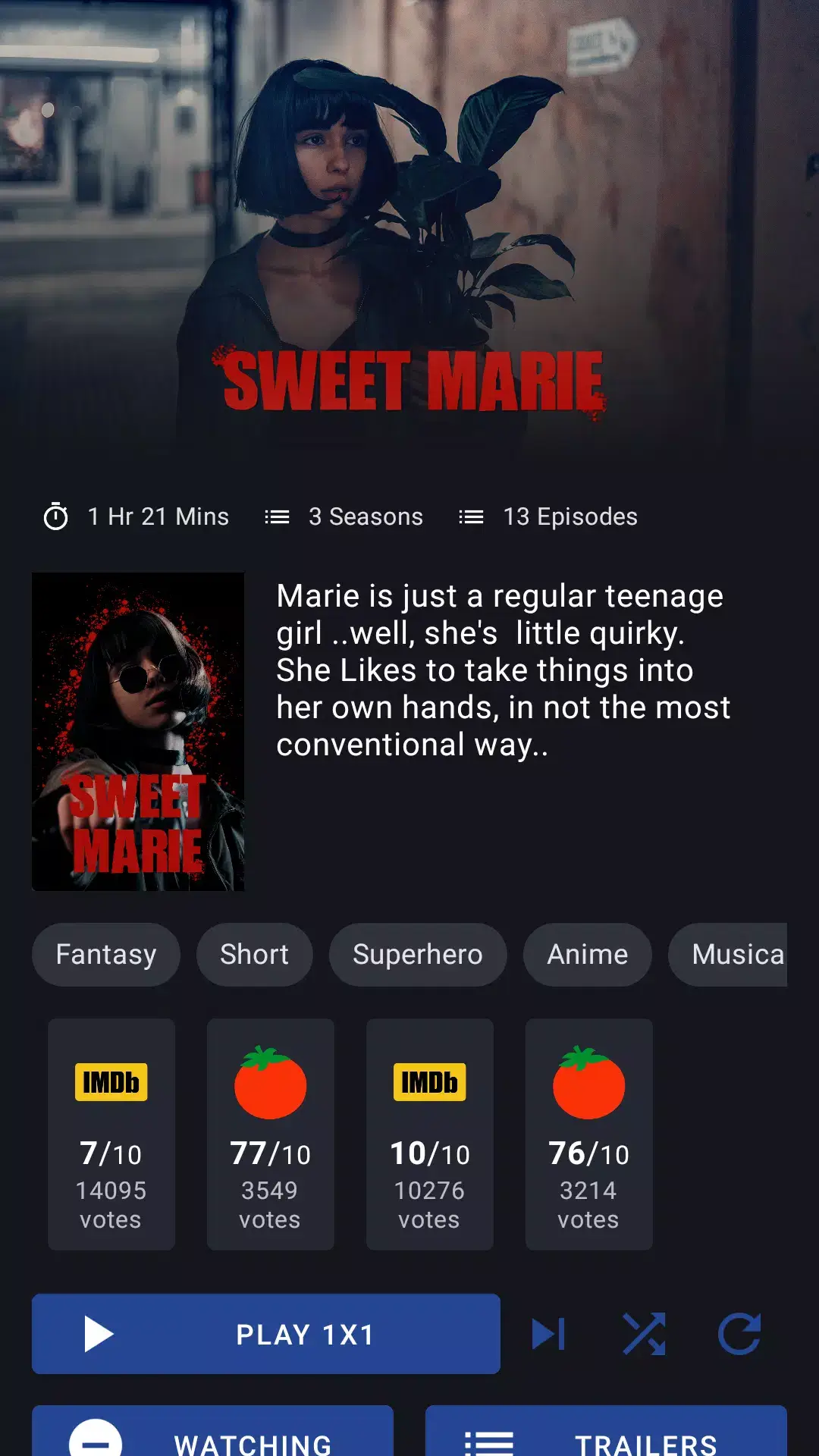
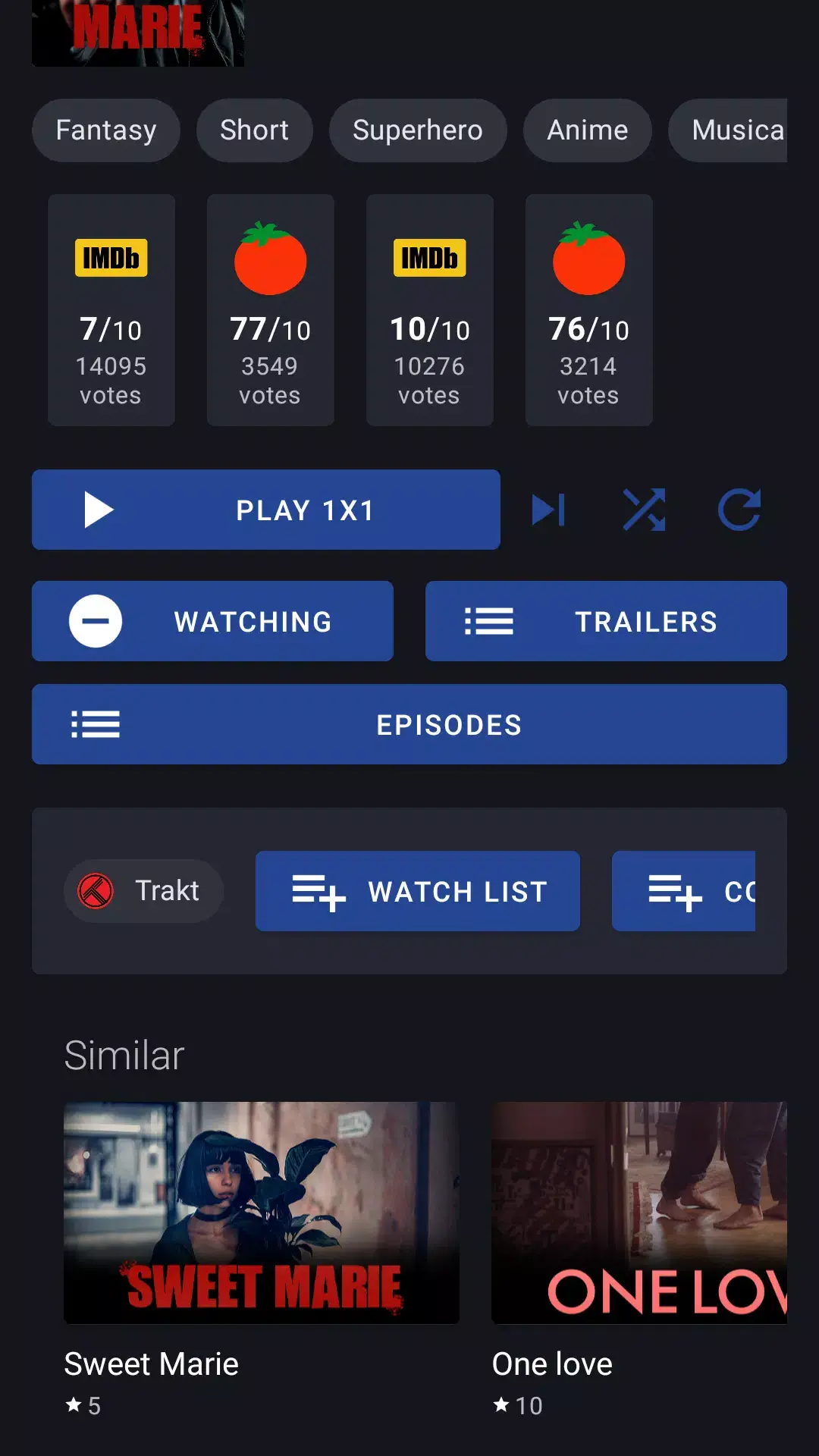
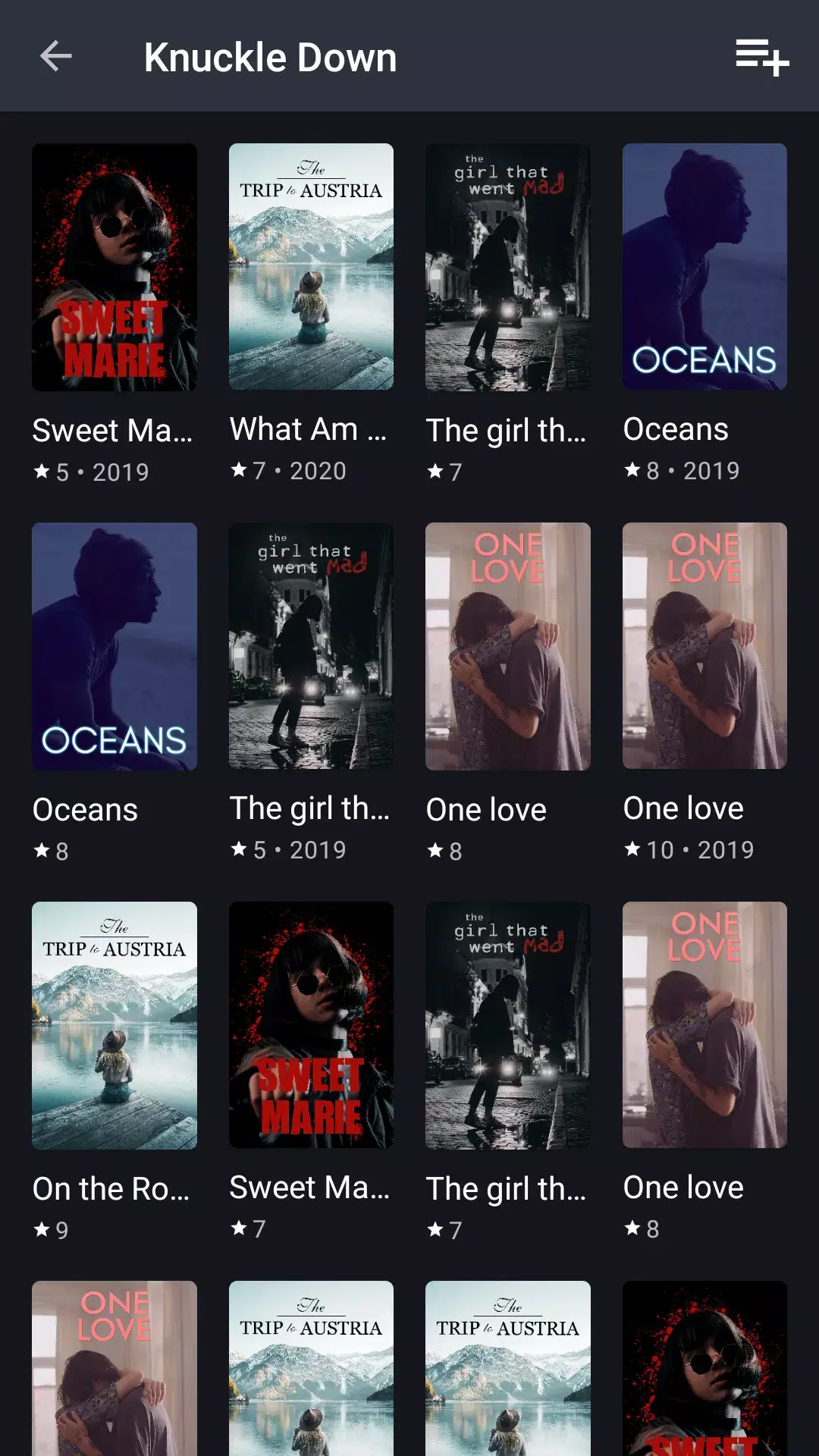
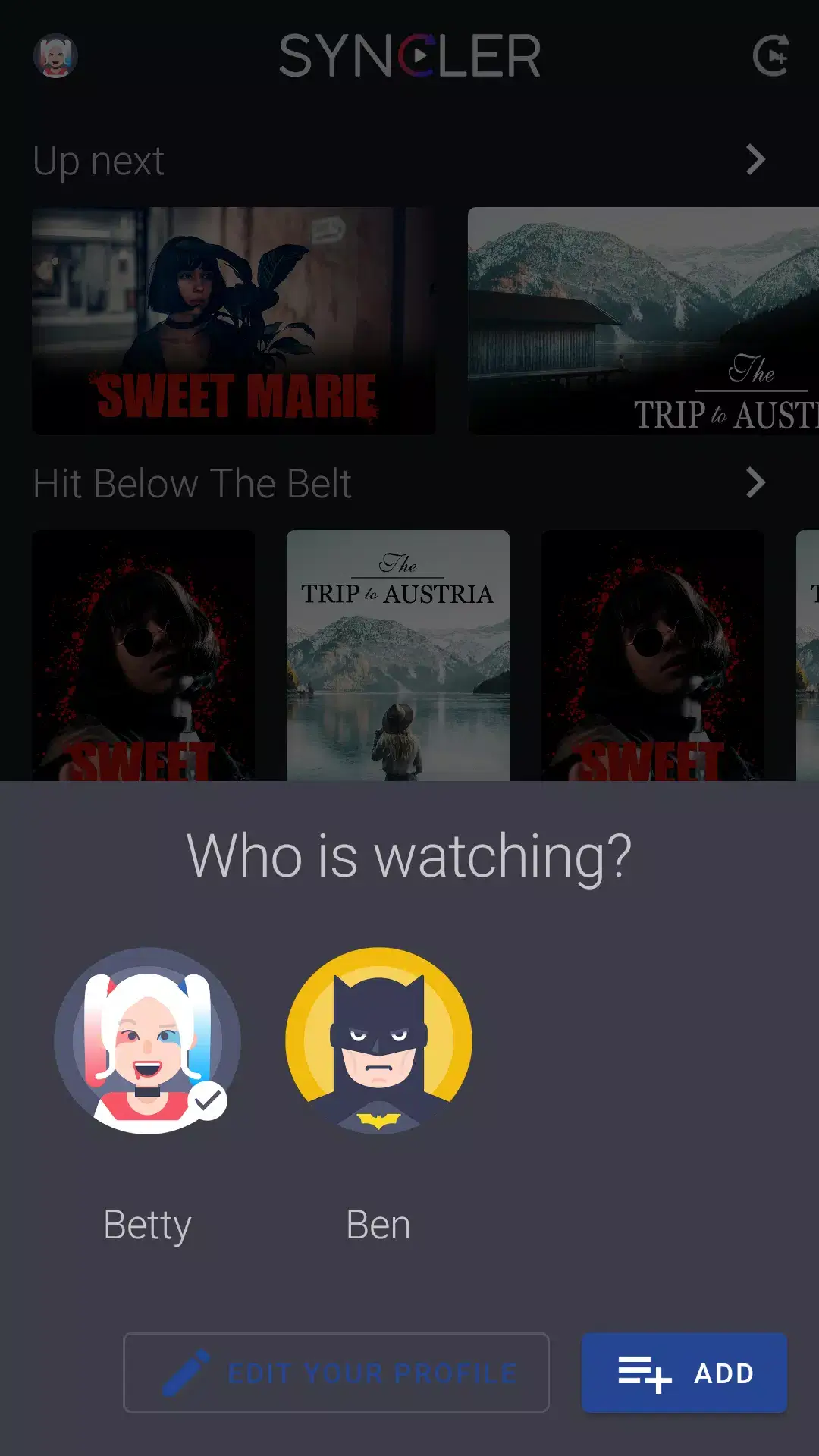
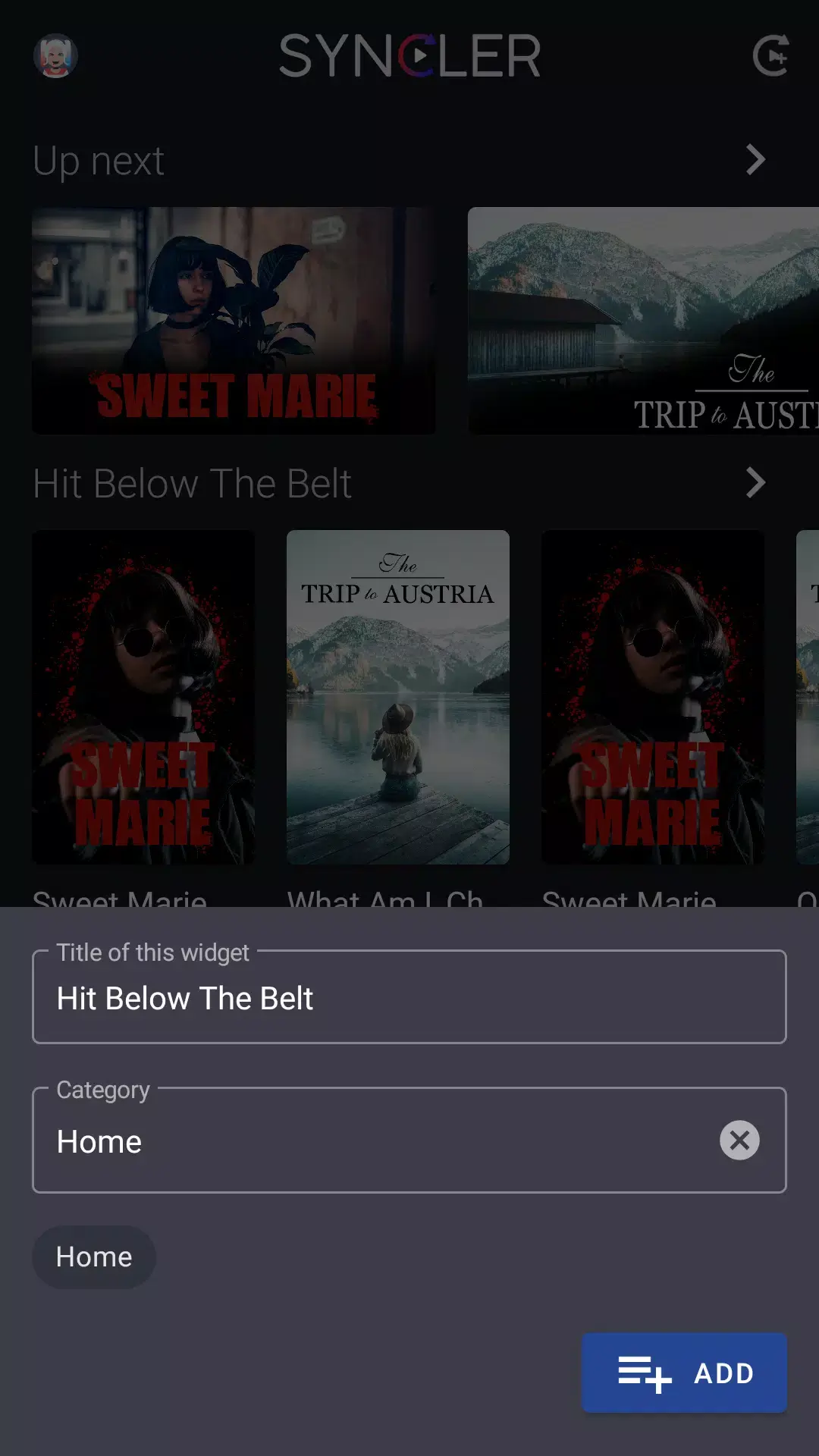

Syncler is an Android app that brings together multiple OTT (over‑the‑top) streaming services into a single interface. If you juggle several subscriptions and want a unified way to browse and watch movies or series, Syncler aims to simplify that experience.
This page provides the latest version details, installation steps, and practical advice for using Syncler on your device.
Quick Information
| App/Game Name | Syncler |
| Latest Version | 1.3.5.1 |
| Developer | Not listed |
| Category | Apps / Entertainment |
| App Size | 88.54 MB |
| Package Name | com.syncler |
| Last Updated | 16 January 2026 |
What Is Syncler?
Syncler functions as a media aggregator. It lets you link accounts from various streaming platforms, then presents their catalogs side by side. Core capabilities include:
- Unified library that pulls titles from connected services.
- Search across all linked subscriptions with a single query.
- Playback via the original service’s player or compatible third‑party players.
- Simple account management within the app.
The app does not host any content itself; it merely provides a convenient front‑end. Users must still hold active subscriptions for each service they want to access. Some titles may require external video players, and regional restrictions still apply.
How to Install
- Open your device’s Settings → Security (or Privacy) and enable Install unknown apps for the browser or file manager you’ll use.
- Download the Syncler APK file to your device.
- Locate the downloaded file in the notification shade or your Downloads folder and tap it.
- Follow the on‑screen prompts to install the app.
- Once installed, open Syncler and sign in to the streaming services you wish to link.
Troubleshooting
- App not installed: Ensure the APK isn’t corrupted and that unknown sources are allowed. Re‑download from a reputable source if the problem persists.
- Crashes on startup: Clear the app’s cache (Settings → Apps → Syncler → Storage → Clear cache) and verify that your Android version meets the minimum requirements.
- Login or account linking issues: Double‑check your credentials, confirm that the service is supported, and make sure you have an active subscription.
- Playback problems: Try selecting a different video player in Syncler’s settings or update the external player app.
Compatibility
Compatibility
| Android Version | Not Verified |
| Architecture (ARM64 / 32-bit) | ✓ Verified — Supports common device architectures |
| Internet Connection | ✓ Verified — May be required for ads, updates, or login |
| Storage Needed | Not Verified |
| OBB/Data Files | Not Verified |
| Root Required | Not Verified |
Safety & Security
Syncler is a modified package that accesses multiple streaming services through your own accounts. Before installing, consider the source of the APK and scan it with an antivirus app. Review the permissions requested during installation; the app should only need access to storage, network, and the ability to launch external players. Avoid entering sensitive personal data (e.g., payment details) directly into the app unless you trust the build. Keep in mind that future updates to the original services may affect Syncler’s functionality.
How Syncler Compares
| Feature | Syncler | Netflix | Amazon Prime Video | Disney+ |
|---|---|---|---|---|
| Price model | Free (requires existing subscriptions) | Subscription‑based | Subscription‑based | Subscription‑based |
| Platform availability | Android only (APK) | Android, iOS, Web, TV | Android, iOS, Web, TV | Android, iOS, Web, TV |
| Standout feature | Aggregates multiple OTT catalogs in one UI | Extensive original content library | Large library plus shopping benefits | Family‑focused Disney franchise content |
| Best for | Users with several streaming subscriptions | Fans of Netflix originals and binge‑watching | Prime members who want movies, series, and perks | Families and Disney enthusiasts |
Alternatives
- Plex: Media server that also supports linking streaming services and offers a polished library view.
- Kodi: Open‑source media center with numerous add‑ons for streaming content; highly customizable.
- Stremio: Combines streaming services, torrents, and local files into a single catalog with community‑driven add‑ons.
Final Verdict
Syncler is a handy tool for anyone who already pays for multiple OTT platforms and wants a single place to browse them. It’s free, relatively lightweight, and works on standard Android devices. However, it depends on the continued compatibility of each linked service, and it does not replace the official apps. Verify the APK source, review permissions, and be prepared for occasional playback hiccups after service updates.
Frequently Asked Questions
Only download Syncler from a trusted source, scan the file with an antivirus app, and review the permissions it requests before installing.
The most recent release is version 1.3.5.1, updated on 16 January 2026.
Syncler works on most modern Android devices; ensure your device runs a recent version of Android for best compatibility.
No root access or additional OBB files are required; the app functions as a standard APK.
This usually means the APK is corrupted, the device blocks unknown sources, or the app is incompatible with your Android version.
Yes, installing the new APK will replace the previous version while keeping your linked accounts and settings.
Service updates can temporarily affect functionality; the developer typically releases a fix to restore compatibility.
Older versions may be found on archive sites, but using the latest version is recommended for security and compatibility.